Why Offline Kids Apps Beat YouTube for Toddlers
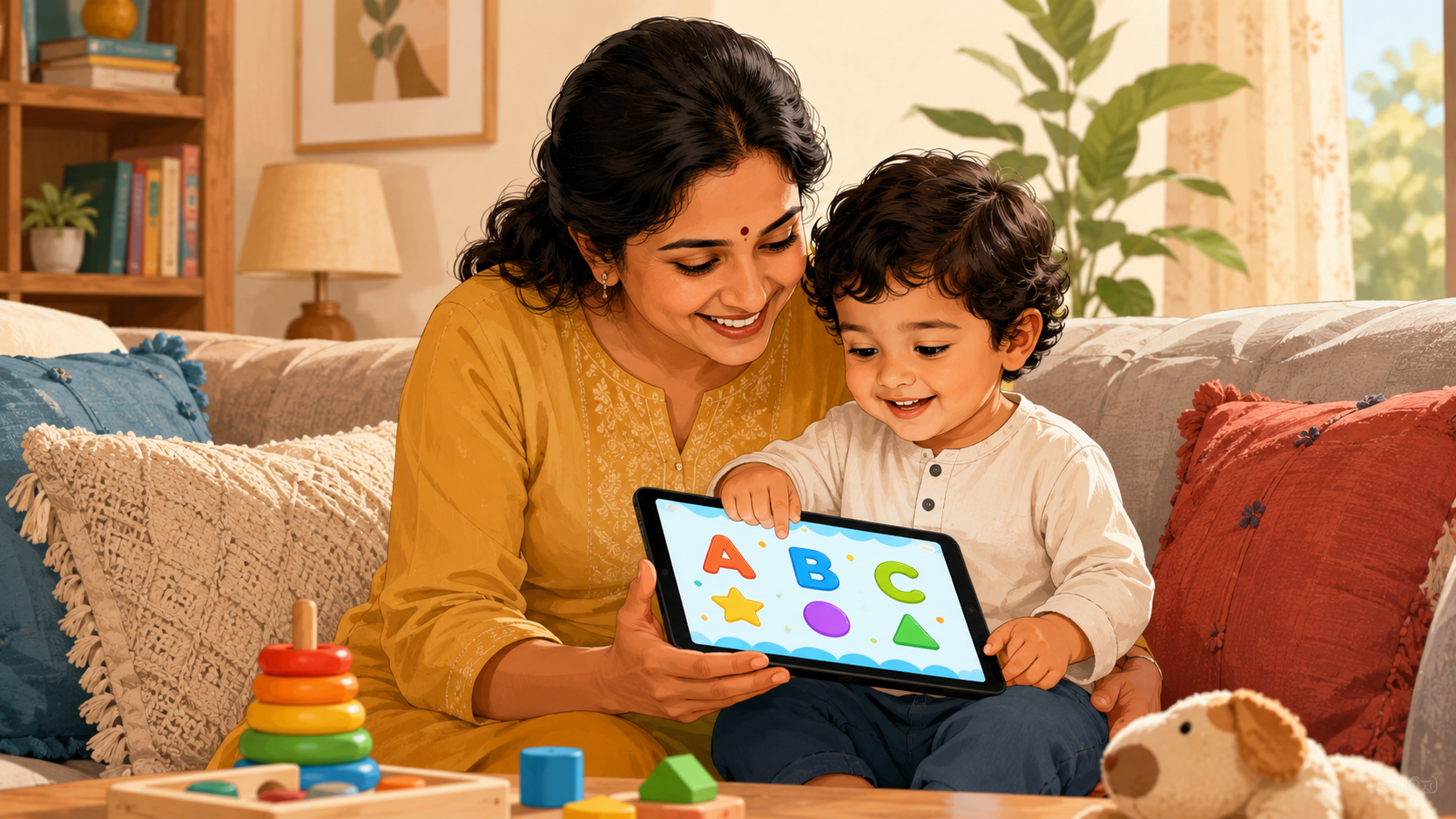
If your toddler is going to have screen time — and most do — the real question is what’s on the screen. For children aged 2 to 6, an offline learning app beats YouTube on the three things parents actually care about: no ads or autoplay rabbit holes, content that’s age-appropriate by design, and active learning instead of passive watching. YouTube was built to keep anyone watching for as long as possible. A good kids’ learning app is built to teach one small thing and then let your child stop. That difference matters more than any single video ever could.
Numbers: see kids screen time statistics 2026 — 20 facts with sources.
New data: we checked 179 top kids learning apps on Google Play — 79% sell in-app purchases and only 17% have no ads and no purchases. See the 2026 kids apps study.
This guide explains exactly why, and how Indian parents can swap an hour of autoplay for the same hour of real learning.
The Problem With YouTube for Toddlers
YouTube isn’t evil — but it was never designed for a three-year-old, and it shows.
- Autoplay and the infinite feed. The moment one video ends, the next begins. There is no natural stopping point, which is precisely why “just one video” turns into forty-five minutes. Toddlers have no concept of self-regulation; the app is doing the deciding for them.
- Ads and unsuitable recommendations. Even on kid-focused channels, mid-roll ads appear, and the recommendation engine can drift from a nursery rhyme to something far less appropriate within a few taps. You can’t watch over every second.
- Passive consumption. Watching is not learning. A child can watch a counting video a hundred times and still not count, because watching engages almost none of the brain regions that build a skill.
- No off-ramp. When you finally say “that’s enough,” the screen is still dangling the next bright, loud thumbnail. Ending the session becomes a negotiation — and often a meltdown.
None of this is a moral failing on the parent’s part. It’s the design. The platform’s goal is watch-time; your goal is a calm, learning child. Those goals quietly pull in opposite directions.
What “Offline” Actually Changes
“Offline” sounds like a small technical detail. For a toddler’s screen time, it changes almost everything.
- No internet means no ads. There is no ad network to serve from, so the experience is uninterrupted and there’s nothing inappropriate slipping in between activities.
- No recommendation engine. The app can’t suggest “what’s next.” When the activity is done, it’s done — the child stays inside the same safe, finite set of lessons you chose.
- No data collection. A well-made offline app for kids doesn’t need your child’s data because it doesn’t talk to a server. For Indian parents increasingly aware of privacy, that’s a meaningful relief.
- It works anywhere. On a flight, in the car, at the grandparents’ house in a village with patchy signal, during a power-cut — an offline app keeps working when the network doesn’t. No buffering, no “no internet” tantrums.
- You control the boundary. Because the content is fixed and finite, you decide when the session ends, not an algorithm engineered to keep it going.
The RJ App Studio kids apps are built offline-first for exactly these reasons — no ads, no internet required, and no data collected from your child.
Active Learning vs Passive Watching
The single biggest reason to choose a learning app over a video is what the child’s hands and mind are doing.
When a toddler watches a video, they sit still and absorb. When a toddler uses a good learning app, they act:
- They trace the shape of a letter with a finger, building the motor memory that later becomes writing.
- They tap to count objects one by one, connecting the number word to the quantity.
- They sound out a word in a phonics activity and hear the result, linking letters to sounds.
- They match a colour or a shape and get instant, gentle feedback that tells them they got it right.
This is the difference between recognising a thing and being able to do it. Active recall and hands-on interaction are how young children actually build skills — letters, numbers, early reading, shapes. A video can introduce an idea; an interactive activity makes the child practise it. Practice is where learning lives.
A Calmer Screen-Time Routine (The Practical Comparison)
Here’s how the two options compare on the dimensions that decide a parent’s day:
| What matters | YouTube | Offline learning app |
|---|---|---|
| Ads & interruptions | Frequent, hard to avoid | None |
| Age-appropriate content | Algorithm-dependent | Built for ages 2–6 |
| Data collection | Significant | None (offline) |
| Has a natural ending | No — autoplay continues | Yes — activity finishes |
| Type of engagement | Passive watching | Active, hands-on |
| Works without internet | No | Yes |
A few simple habits make offline apps work even better:
- Set a clear, short window. Ten to twenty minutes is plenty for this age. Because the app has a natural end point, honouring the limit is far easier.
- Sit with your child when you can. Naming letters, cheering a correct count, or asking “what colour is that?” doubles the learning and turns screen time into together-time.
- Pick one skill at a time. Letters this week, counting the next. A focused goal beats a random feed.
- End on a win. Stop after a completed activity, not mid-stream. The child feels accomplished instead of cut off.
Which App for Which Skill
You don’t need a dozen apps — you need the right one for the skill your child is ready for. Here’s a simple map:
- Letters and the alphabet → ABC Kids: A to Z — tracing and recognising A–Z.
- Counting and numbers → 123 Numbers: Kids Fun World — connecting number words to quantities.
- Early reading → Phonics & Spelling — sounding out letters and simple words.
- Shapes and colours → Shapes & Colors Kids Games — the building blocks of visual learning.
- Early maths confidence → Math Kids — playful number sense and simple sums.
- Naming the world → Learn & Identify Kids World — animals, objects, and vocabulary.
Each one is offline, ad-free, and built specifically for little hands — so a swap from autoplay to learning takes one tap.
Frequently Asked Questions
Are offline kids apps really better than YouTube for toddlers? For learning and for calm, yes. Offline learning apps have no ads, no autoplay to pull a child deeper, content built for the 2–6 age group, and they encourage active practice rather than passive watching. YouTube can introduce an idea, but it’s designed to maximise watch-time, which works against a healthy screen-time routine.
How much screen time is appropriate for a toddler? Most paediatric guidance suggests keeping screen time short and supervised for under-fives — roughly up to an hour a day of high-quality content, ideally used together with a parent. Offline learning apps make short, bounded sessions easier because each activity has a natural ending instead of an endless feed.
Do offline learning apps collect my child’s data? A genuinely offline app doesn’t need an internet connection, so it isn’t sending your child’s information to any server. The RJ App Studio kids apps are built offline-first and do not collect data from your child.
Can my child use these apps without internet? Yes. That’s the point of offline apps — they work on a flight, in the car, during a power-cut, or anywhere with weak signal. There’s no buffering and no “no internet” interruptions.
Will an app actually teach my child, or just entertain them? A well-designed learning app teaches through doing — tracing letters, counting objects, sounding out words. That hands-on practice is how young children build real skills, which passive video watching rarely achieves.
What’s the best age to start with learning apps? Around ages 2 to 3, children can begin with simple shape, colour, and letter-recognition activities, then progress to counting, phonics, and early maths by ages 4 to 6. Choose an app that matches the specific skill your child is ready for.
Make the Swap — One Tap From Autoplay to Learning
You don’t have to win an argument about screen time. You just have to change what’s on the screen. The next time your toddler reaches for the tablet, open a learning activity instead of a video — same ten minutes, completely different outcome.
Explore the RJ App Studio kids apps on Google Play — all offline, ad-free, and built for ages 2–6. Start with ABC Kids for letters, 123 Numbers for counting, or Phonics & Spelling for early reading — whichever skill your child is ready for next.